Rabbit’s OS3 turns five devices into one agent
Rabbit has released OS3, a cloud agentic operating system that runs tasks across up to five of your own computers, with model keys you supply yourself.
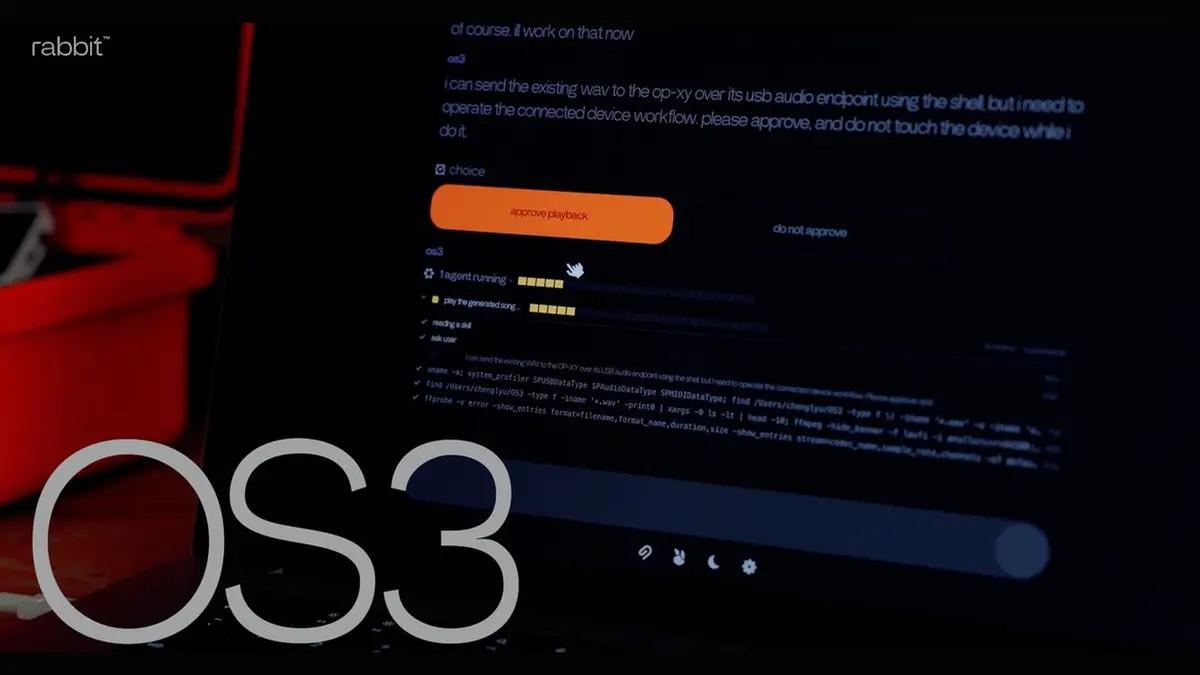
Rabbit released OS3 on 22 September, an agentic operating system that runs in the cloud and reaches into the computers you already own. One account can connect up to five devices, and the system decides which of them should carry out each part of a task.
How OS3 runs a job
OS3 is built around a single chat interface rather than an app grid or a list of sessions. You state the outcome you want, and the system works out the steps using the models you have connected and whatever the task calls for: the web, services already in use, or connected devices. Rabbit says OS3 picks the machine, file, application or skill a job needs and moves work between devices as it progresses, which the company presents as one continuous conversation instead of one thread per device.
Bring your own keys, and your own skills
The system is designed to be swapped out at the layer that matters most. Users can plug in API keys from frontier AI labs, from cloud router platforms or from models hosted locally, and change the model behind OS3 without losing context, memory or installed skills. Skills are portable in the same way: paste a skill’s web address into the chat and OS3 sets it up without a command line or configuration files. Rabbit pairs that with DLAM, the computer-control technology behind the r1, so the agent can operate desktop software, local files and web pages, and write, debug and run software on its own.
What the privacy wording actually says
Rabbit’s privacy claims are specific enough to read closely, and they contain a carve-out worth knowing. The rabbit agent runs locally and does not copy, store, use or sell the files on your machine, and those files stay where they are. Your conversations with OS3 and the memory built from them are stored on Rabbit’s servers. Task content is sent to whichever model provider you have connected, after it has passed through Rabbit’s servers, and Rabbit says it keeps no copy. OS3 acts only on instructions; sensitive actions need your confirmation, and system permissions are requested by the operating system and can be revoked.
Where you can use it, and what is still missing
OS3 is available now at os3.rabbit.tech, where you sign in and finish onboarding in a single conversation. You can talk to it through the web portal on desktop or mobile, through a paired Telegram, iMessage, RCS or SMS, or through the r1. Devices running the local agent — Windows, Mac and Linux PCs, cloud virtual machines, dedicated AI machines and the r1 — can be controlled. Rabbit says its forthcoming cyberdeck will ship with OS3 as its default operating system. No price was announced, no UK date was given, and Rabbit published no independent audit of the privacy claims.
Our opinion
The most revealing thing about OS3 is that Rabbit has stopped selling you the box. The r1 was pitched as a device you would carry; OS3 is a cloud layer you reach from a browser tab, a messaging app or an r1 you may already own, and it borrows whichever computer you happen to be sitting at. That is a candid admission that the assistant was always the product and the orange slab mostly got in the way, and it is the harder business, because an agent that runs on hardware you already own has to beat the free tools bundled with that hardware every day rather than only on launch day. Letting users bring their own model keys is the most defensible decision in the release: it hands the running costs and the model choice to the customer, and it means OS3 can survive whichever laboratory leads the market next year. The exposure sits exactly where it always does. Permissions are requested locally and the local agent promises never to touch your files, but the conversation and the memory that make the thing useful still live on Rabbit’s servers, and anyone who signs in is trusting a company whose best-known product arrived years before the software that was meant to justify owning it.